By Greg Nowak. Last updated 2026-07-07.
Showing a taxonomy hierarchy in Drupal Views sounds like a small display request: make the parent terms appear above the child terms, or make a parent category include everything below it. On a real business site, it is rarely just cosmetic. It affects landing pages, resource libraries, service navigation, editorial governance, and how quickly a visitor can move from a broad topic to a useful next step.
The old Drupal 8 version of this problem still matters because many search results and copied snippets were written for that era. The important update is support risk. Drupal 8 reached end-of-life on November 17, 2021. Drupal 10 is scheduled to reach end-of-life on December 9, 2026. So if the site is still on Drupal 8, treat any hierarchy work as migration triage, not as a place to add clever long-term complexity. The same taxonomy ideas still apply, but the implementation decision should be made for supported Drupal 10 or Drupal 11, with Drupal 12 planning close behind.
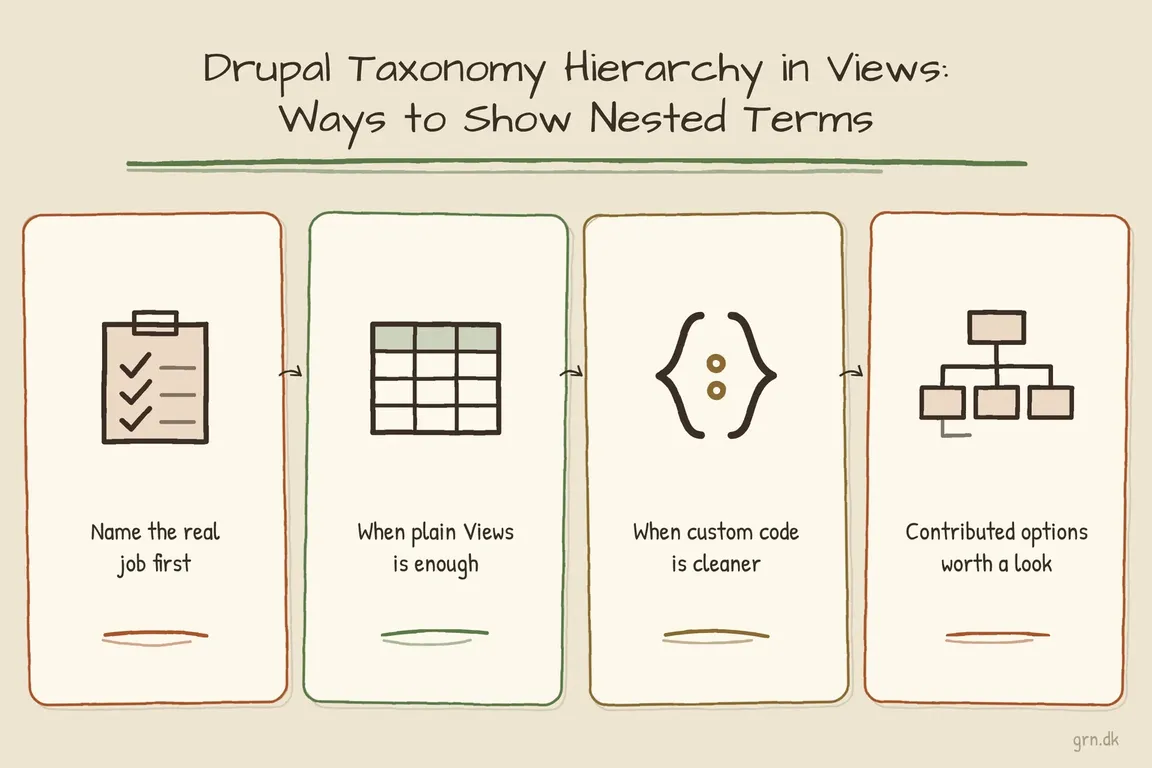
Start by naming the real job
In project conversations, 'show taxonomy hierarchy in Views' usually means one of several different things. A content team might want a parent term page to include articles tagged with child terms. A UX lead might want a visible tree of terms in a sidebar. An operations team might need depth information for routing, permissions, exports, or reporting. Those are different builds, and mixing them into one View is where Drupal projects get brittle.
| Requirement | Best starting point | Main risk |
|---|---|---|
| List content tagged with a parent term and descendants | Core Views taxonomy term ID with depth behavior | Term names change, so ID-based filtering is safer |
| Render a visible parent-child term tree | Custom block, controller, or preprocess code using taxonomy storage | Forcing Views to act like a tree renderer |
| Filter by readable term names with descendant depth | Views Taxonomy Term Name Depth module | Name-based filters can break during renaming or translation |
| Use depth in custom logic or templates | Taxonomy Term Depth module or custom calculated depth | Assuming it will solve Views display by itself |
When Views is enough
If the goal is a normal listing page, start with core. Drupal core has long supported hierarchical vocabularies, and the Drupal 11 API still includes a taxonomy Views depth handler. In plain terms: if you can work with term IDs, a View can often retrieve content tagged with a selected term and terms below it. That is the right first check before adding a module or writing code.
For a marketing site, product catalog, knowledge base, or location directory, keep the data model boring and dependable. Use curated vocabularies for navigation-critical topics. Avoid deep hierarchies unless users genuinely browse that way. Do not let free tagging become the source for important landing pages. If editors can rename a term, the View should not depend on that exact public name as its only source of truth.
A practical setup is to use a stable route, alias, or term ID to identify the current category, then let the View handle the content listing. Test the result with a parent that has many children and with an empty branch. Also check multilingual behavior if the site uses translated terms. Many hierarchy bugs are not code bugs; they are unclear editorial rules showing up in the interface.
When custom code is cleaner
If you need to display the terms themselves as a structured tree, custom code is often cleaner than a heavily configured View. Views is excellent for querying and displaying rows of content. It is less pleasant when asked to become a navigation tree, an active-trail system, and a content listing all at once.
Drupal taxonomy storage gives you the right primitives. In current Drupal API documentation, TermStorageInterface exposes helpers such as loadTree(), loadParents(), loadAllParents(), and loadChildren(). For a small custom block or controller, that is usually enough to build a deliberate tree and keep the content View separate.
$term_storage = \Drupal::entityTypeManager()
  ->getStorage('taxonomy_term');

$tree = $term_storage->loadTree('categories', 0, NULL, TRUE);
For production code, inject the entity type manager rather than using \Drupal:: directly. The snippet is useful for orientation, but the maintainable version belongs in a service, controller, block plugin, or preprocess layer where caching, access checks, and translation can be handled explicitly.
This also gives the interface team more control. You can hide empty branches, limit depth on mobile, mark the active trail, decide whether parent terms are links, and cache the tree with the right taxonomy term cache tags. That is usually easier for an agency team to inherit than a single oversized View export full of relationships, grouping rules, and Twig exceptions.
Current contributed options
If core is close but not quite enough, two contributed modules are worth considering in 2026.
Views Taxonomy Term Name Depth adds a Views contextual filter for taxonomy term names with depth and its current stable release works with Drupal 9, 10, and 11. It is useful when the route or editorial requirement is genuinely name-based, for example a readable category path that must include child terms.
composer require 'drupal/views_taxonomy_term_name_depth:^7.3'Use it with care. Term-name filtering is convenient, but term IDs are still safer for multilingual sites, rebrands, renamed categories, and content operations where editors regularly adjust labels.
Taxonomy Term Depth is a different tool. Its current 3.x release supports Drupal 10.3 and 11, and the project describes a stored depth property for terms. That can help custom code, templates, or reporting that need reliable depth information.
composer require 'drupal/taxonomy_term_depth:^3.0'It is not a magic switch for turning any View into a perfect taxonomy tree. The project page still frames better Views field, filter, and sort integration as future work, so use it as support for custom implementation rather than as a full display solution.
A practical build checklist
- Confirm whether the user needs a content listing, a term navigation tree, or both.
- Use term IDs or stable aliases for logic; treat term names as labels.
- Keep navigation vocabularies curated and shallow where possible.
- Separate tree rendering from content listing when the UI becomes complex.
- Test parent terms, child terms, empty branches, translations, and cache invalidation before launch.
- Do not add new Drupal 8-only work unless it is clearly part of a short migration bridge.
The best answer is usually not the most elaborate one. Keep taxonomy meaningful, keep Views focused, and add a small custom layer only where the visitor experience genuinely needs a hierarchy. That gives business owners clearer landing pages, gives editors a structure they can manage, and gives future developers a setup they can safely upgrade.
If your taxonomy is carrying navigation, SEO landing pages, or campaign traffic, it is worth reviewing before it grows further. Greg can help map the smallest Drupal taxonomy and Views fix that improves structure without creating a long-term maintenance trap.
Term hierarchy in node URLs with pathauto
Pathauto patterns that put the term path into the URL:
- Content:
[node:field_tags:0:entity:parents:join-path]/[node:field_tags:0:entity]/[node:title] - Taxonomy terms:
[term:vocabulary]/[term:parents:join-path]/[term:name]
Related on GrN.dk
- Drupal CMS 2.0 Speeds Marketing Site Rebuilds, but It Is Not Autopilot
- When Google can call the business, your local data stops being cosmetic
- AI Crawler Control for Business Websites: Protect Content Without Sacrificing Search Visibility
Need help with this kind of work?
Get help with Drupal taxonomy and Views Get in touch with Greg.










