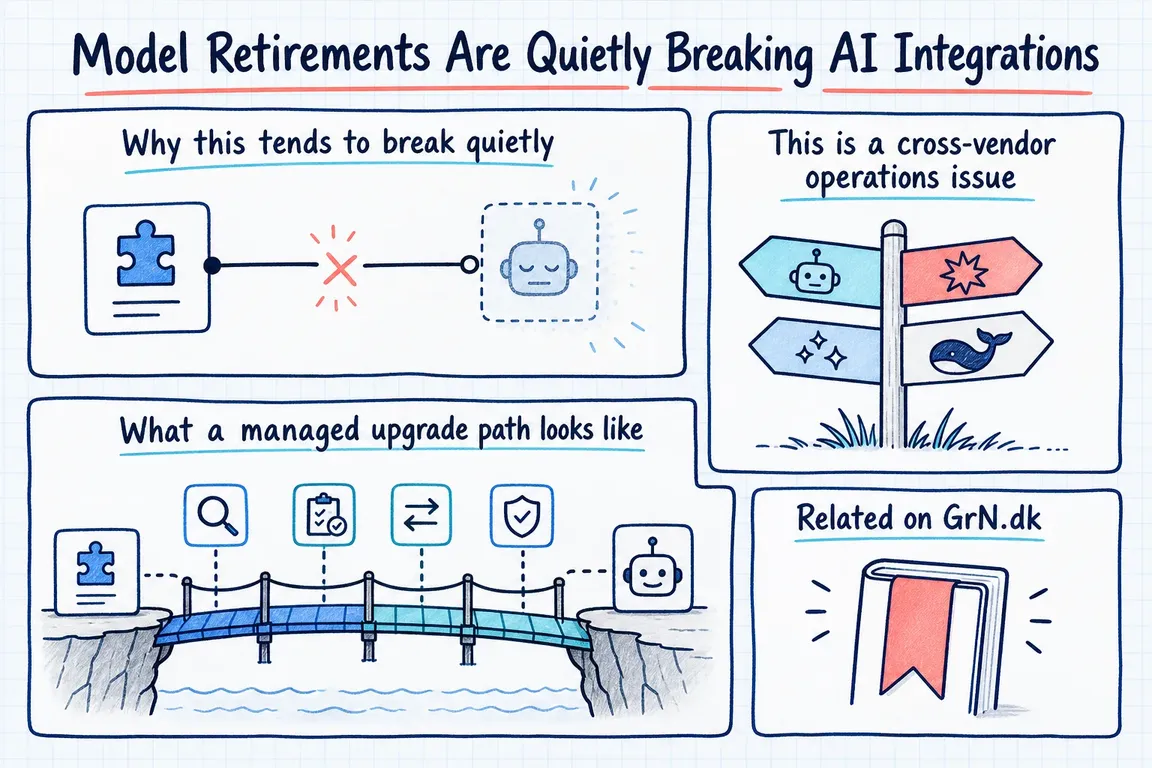
By Greg Nowak. Updated 15 October 2026.
A retired AI model can stop an enquiry summary reaching your CRM even when the surrounding workflow still runs. The model ID buried in that workflow is a business dependency, and an easy one to overlook.
Model IDs sit in backend services, chatbot plugins, reporting scripts and low-code automations. Once a prototype becomes part of daily operations, somebody needs to own that dependency. Otherwise, a vendor's retirement notice can become a missed handover, an empty report or a customer-facing error.
The practical response is to find the affected workflows, test replacements against real business requirements, and switch while there is still time to recover.
Check the dates against the exact model you use
As of 15 October 2026, OpenAI's deprecation schedule lists an October 23 shutdown for models including gpt-4-turbo and gpt-4o-2024-05-13. Its October 14 notice separately schedules specified GPT-4o, GPT-4o mini and GPT-4.1 snapshots for January 14, 2027. Similar names can have different deadlines: record the full model ID.
Anthropic's Claude lifecycle documentation lists claude-sonnet-4-5-20250929 for retirement on November 30, 2026. It also distinguishes a deprecated model, which still works, from a retired model, where requests fail. Check the schedule for your hosting platform; partner-operated services can use different dates.
These dates are a snapshot. Use the live schedule when planning a change, and check dependencies around the model too: endpoints, prompt storage and workflow tools may have their own retirement notices.
Find actual usage before choosing a replacement
Start with provider usage records and application logs, then search repositories, deployment settings, scheduled jobs and automation dashboards. Include agency-managed client accounts and workflows owned by marketing or operations. An unused model reference and a nightly production call deserve different attention.
For Claude, Anthropic documents a concrete audit route: open Usage in the Console, select Export, and review the CSV by API key and model. Match those records to workflow owners rather than relying on people's recollection.
Keep a small register with the workflow, owner, provider, exact model or deployment version, last observed use, retirement date and business consequence of failure. On Azure, include region and deployment type. Prioritise processes that communicate with customers, write records or block other work.
| Check | Evidence needed | Decision |
|---|---|---|
| Usage and ownership | Recent calls tied to a workflow and responsible person | Migrate active work; remove abandoned dependencies |
| Compatibility | Endpoint, parameters, tools, formats and hosting availability checked | Confirm whether configuration alone is enough |
| Business quality | Representative examples reviewed against acceptance criteria | Approve acceptable behaviour or revise prompts |
| Operating cost | Completion time, retries and cost per completed task | Confirm the workflow remains viable |
| Recovery | Tested fallback or manual process, with an owner | Release when failure can be handled |
Test what the business needs to stay true
A successful API response proves very little about the result. A replacement might produce valid JSON while assigning the wrong category, omit a qualification from a sales summary, or call a tool with different arguments.
Build a compact regression set from representative work, using anonymised examples where appropriate. Include ordinary requests, long inputs, missing information and cases the existing model handles badly. Run both models against the same inputs while the old one remains available.
Define acceptance criteria before comparing outputs:
- Data: required fields parse correctly, and identifiers and amounts remain accurate.
- Content: summaries preserve relevant facts and avoid unsupported claims.
- Actions: tool calls use valid arguments and retain required approval steps.
- Exceptions: uncertainty or incomplete input reaches a review queue.
Have the person who uses the output review meaningful differences. Measure cost per completed task, including retries and manual corrections, alongside response time. A lower token price can still produce a more expensive process.
Make the switch controlled and recoverable
Move model selection into reviewed configuration, with separate settings where workflows have different needs. Record the model and prompt version used for each run. Check API compatibility before release; a new model can require changes beyond its name.
Roll out to a limited share of work first. When comparing models that can send messages or update systems, run the comparison without executing duplicate actions. Watch failed jobs, validation errors, queues, latency and spend before expanding.
Rollback to the old model only works while it remains available. After retirement, recovery needs a tested alternative or a manual process. Avoid endlessly retrying an unavailable model; alert an owner and preserve unfinished work for recovery.
Automatic upgrades still need an owner
For Azure OpenAI users, Microsoft's lifecycle policy makes deployment type and upgrade configuration important. Standard deployments have upgrade options, including NoAutoUpgrade, which leaves the deployment unable to serve at retirement. Provisioned deployments require manual migration.
Check the deployed version, region, quota and upgrade setting. An automatic infrastructure change still needs business acceptance testing.
For ongoing maintenance, I recommend a monthly lifecycle review, immediate action on relevant notices, and more frequent checks near deadlines. OpenAI also documents GET /v1/models with an optional shutdown_date field for programmatic monitoring. Treat an absent or null date as information to review, rather than a permanent availability guarantee.
Get a clear migration plan
If you are unsure which integrations are exposed, Greg can help inventory usage, agree acceptance checks with your team, and coordinate the migration across developers, agencies and workflow owners. Get in touch with Greg to discuss the workflows you rely on and the next practical step.
Related on GrN.dk
- Your AI workflow has logs. Can they explain one bad decision?
- A Voice Agent Is Only Ready When the Human Handoff Works
- When AI writes JSON, one bad field can break the workflow
Need help with this kind of work?
Discuss your AI integration review with Greg Get in touch with Greg.










