By Greg Nowak. Last updated 2026-10-18.
If you look after customer hosting or your own Linux servers, put certificate renewal on the maintenance list before February 10, 2027. Let’s Encrypt’s October 7 announcement sets that date for the move to default 64-day certificates for new issuance and renewals. Staging switched on October 14, 2026, so there is already somewhere to test.
The job is to check the whole renewal process, from the timer that starts it to the certificate a customer’s browser receives. Scheduling, validation, issuance, deployment and monitoring all need to work without someone remembering to step in.
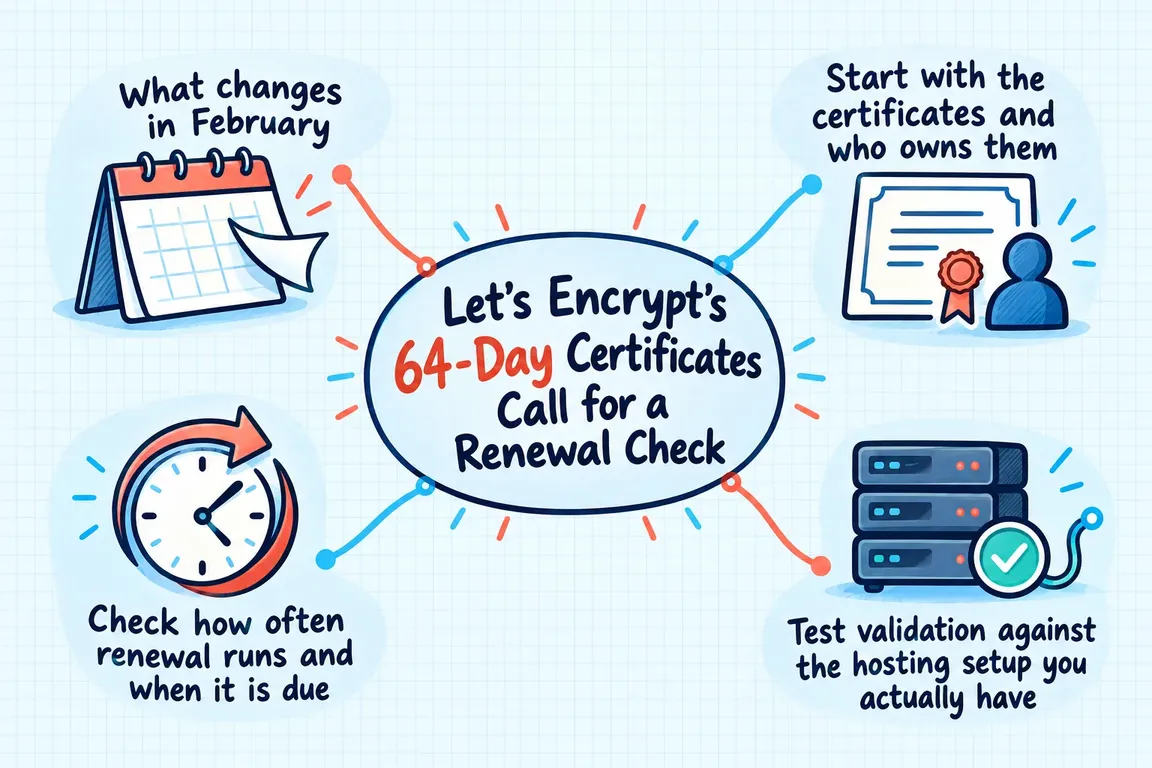
What changes in February
Existing certificates keep their validity. Let’s Encrypt says it will not revoke them as part of this transition. The immediate concern is any renewal logic that assumes the previous lifetime, particularly scripts that wait a fixed number of days after issuance.
There is a wider planning reason to review those assumptions. The CA/Browser Forum’s validity reduction ballot sets out staged reductions in public TLS certificate lifetimes and validation data reuse periods, and identifies dependable lifecycle automation as an expected benefit. An adaptable renewal process is a better investment than another date hard-coded into a script.
Start with the certificates and who owns them
For each certificate, list the covered hostnames, ACME client and version, validation method, renewal scheduler, certificate location, deployment destinations and responsible person. Include websites and API endpoints within the hosting scope you have agreed to review.
Pay particular attention to responsibilities split between an agency, its customer and a hosting provider. Who can change DNS? Who maintains the server? Who receives a renewal failure alert? Each answer should have something behind it: a working configuration, a recent test or a named person with the necessary access.
| Check | Evidence to keep | If it is missing |
|---|---|---|
| Inventory and ownership | Certificate mapped to its hostnames, services, destinations and owner | Resolve gaps in coverage or responsibility |
| Renewal timing | Active scheduler and the rule that decides when renewal is due | Review assumptions tied to the previous lifetime |
| Validation | Successful unattended test with the configured challenge method | Remove manual steps and confirm access |
| Deployment | Installation, any required reload and a check of the live certificate | Repair the deployment process and test again |
| Monitoring | External expiry check and a test alert received by the responsible person | Assign a recipient and a backup contact |
Start with certificates that have no clear owner, depend on manual work or lack a recent test. Keep those gaps visible. An overall status of “renewal enabled” tells you very little about them.
Check how often renewal runs and when it is due
These are two separate settings. The Let’s Encrypt Integration Guide recommends checking ACME Renewal Information, or ARI, at least twice daily. ARI provides a recommended renewal window. Its fallback guidance for certificates of this length is to renew with one-third of their lifetime remaining.
For a 64-day certificate, that works out to roughly 43 days after issuance, leaving about 21 days. That is when renewal becomes eligible under the fallback rule; the scheduler should run much more frequently.
Read the actual cron job or systemd timer, including any wrapper scripts. Establish how often the client runs and what makes it decide that renewal is due. Check whether the installed client supports the intended behaviour, update it where needed and test it. Leave a short explanation of the decision rule so the next administrator does not have to reconstruct it from the code.
Test validation against the hosting setup you actually have
A challenge response needs to be available wherever Let’s Encrypt expects to find it. Its integration guidance requires HTTP challenge responses on every frontend before validation begins. For DNS challenges, the required TXT record must be available across the authoritative responders.
Follow that path through the current infrastructure. Identify the system that creates the response, the access it uses and the person responsible for maintaining that access. If several teams are involved, assign someone to own the complete validation test.
Check for manual dependencies while you are there. Certbot’s User Guide says certificates obtained with its manual plugin need authentication hooks for automatic renewal. Any instruction to copy a DNS record or challenge file by hand belongs on the issue list.
Be clear about what a staging test proves
With Certbot, certbot renew --dry-run tests renewal against staging without saving the test certificates. Deployment hooks are skipped by default.
Adding --run-deploy-hooks exercises applicable deployment hooks after a successful dry run. Those hooks use the current active certificate, rather than the temporary test certificate. Review what each hook does before running it.
Keep validation and issuance results separate from hook results in the test record. Capture whether the hook ran and what state the service was in afterwards. That gives the next person a clear account of which parts of the production process were exercised and which still need checking.
Follow the certificate all the way to the live service
A successful command exit is easy to overread. Certbot documents that certbot renew can finish successfully when no renewal was needed. Actions that should follow an actual successful renewal belong in a deployment hook.
Check every intended destination. For Apache or Nginx, verify the configured certificate paths and the reload procedure. If files go to a separate proxy or load balancer, include the transfer and activation steps too.
Then inspect the certificate presented by the live endpoint. Its identity and expiry should match the intended certificate. Keep that observation with the renewal and deployment records: it is the evidence that the service is presenting the certificate you expected.
Make sure failures reach someone who can act
Let’s Encrypt’s integration guidance calls for renewal errors to reach the responsible administrator. Test that explicitly. Generate a notification and confirm that it arrives somewhere the recipient actively monitors.
Also check expiry from outside the server, using the certificate each public service actually presents. Keep this check alongside the client logs and scheduler status. Set alert thresholds that leave time to investigate, correct the problem and retest, and name a backup contact for when the usual owner is unavailable.
For agency hosting, put the customer or service name in the alert. The recipient should be able to identify the affected service and its owner without searching through a separate server inventory.
Give the audit a clear finish
The deliverables should be straightforward: a certificate inventory, a prioritised issue list, test evidence and a short operating runbook. For each certificate, completion means the schedule has been reviewed, unattended validation tested, deployment verified and alert delivery confirmed. Any exception needs an owner and a next action.
Greg at GrN can help scope and carry out this review across an agency’s hosting estate or a business’s Linux servers. That can include ACME client updates, staging tests, Apache or Nginx deployment checks and external expiry monitoring. Bring the server list and an outline of who handles hosting and DNS, so the work can be scoped around the services your business depends on.
Related on GrN.dk
- Before You Buy a GPU: Test Your Team’s Local AI Workload
- When the AI API Says “Try Again,” What Does Your Customer See?
- AI Translation in Drupal: Who Approves the German Version?
Need help with this kind of work?
Discuss a certificate renewal audit Get in touch with Greg.










