By Greg Nowak. Updated 9 October 2026.
When an old website disappears, you may lose service descriptions, product documents and pages customers still rely on. For an agency inheriting the problem, even a partial recovery can save hours of rewriting and help explain what the replacement site needs to do.
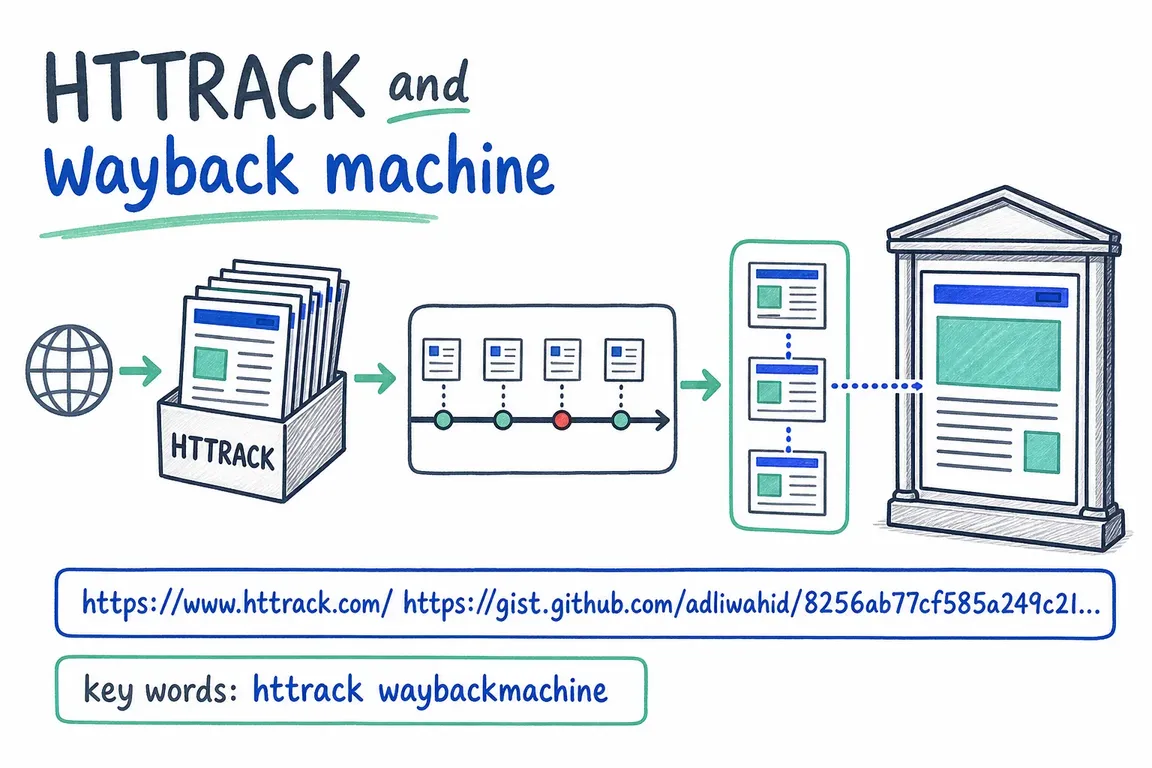
Use HTTrack to copy a website that is still accessible. Use the Wayback Machine to find earlier versions. Both can recover public material; restoring the CMS, customer records or checkout requires application backups or a rebuild. The practical question is which material will get the business moving again.
Start with the business priorities and available backups
Ask the hosting provider and previous developer for backups, database exports, uploaded files and source code. Check company storage too. If a backup exists, have a developer test it in a separate environment before replacing anything live.
Meanwhile, list the pages and functions you need first. A working contact route, core service pages and essential documents usually deserve attention before years of news posts. If the site remains accessible, preserve that material before the hosting account closes or another update overwrites it.
| What you have or need | Start here | What to expect |
|---|---|---|
| A site that is still online | HTTrack | Reachable pages and assets saved for local browsing |
| A missing site or overwritten page | Wayback Machine | Historical content, with possible gaps |
| CMS editing, accounts or orders | Application and hosting backups | A route to restoring software and stored data |
| A migration with incomplete handover files | Live copy plus selected archived pages | Reference material for content, design and old URLs |
Copy a live website with HTTrack
HTTrack downloads linked files and adjusts links for offline browsing. After installation, use this limited first pass based on the official command-line guide:
httrack https://example.com/ --path ./site-copy --depth=2 --sockets=2 --max-rate=100000Replace the example with the final URL after redirects. This saves into site-copy, follows one link level beyond the starting page, uses two connections and caps transfer at 100,000 bytes per second.
Open the saved index, check representative pages and read hts-log.txt for failures. Images or stylesheets on another hostname may need explicit inclusion rules. Keep hts-cache/ to support resuming, and preserve a separate dated copy before updating: an update can remove previously saved files.
HTTrack does not execute JavaScript. Content generated only after scripts run may be absent. It also relies on discovering links, so compare the download with your page inventory before expanding the crawl.
My recommendation is to test a service page, a document page and the contact page first. If these reveal major gaps, resolve those before spending time downloading the same incomplete pattern across the whole site.
Find missing pages in the Wayback Machine
Enter the original domain or page URL into the Wayback Machine and choose captures before the loss or unwanted change. Check priority pages individually; a good homepage capture says little about the rest of the site.
The Internet Archive's guidance explains that missing links can lead to another capture date, or even the live web. Record the timestamp in each archived URL. For missing images or PDFs, search their original URLs separately. Try historical address variants, including HTTP, HTTPS and domains with or without www.
Keep a recovery spreadsheet with the original URL, capture date, saved file, missing assets and content owner. Add a decision for each page: republish, revise, merge or retire. This turns scattered captures into material the business can review.
Can you download an archived website in bulk?
An archive-aware downloader can help when many captures exist. The Ruby-based Wayback Machine Downloader documents these commands:
gem install wayback_machine_downloader
wayback_machine_downloader https://example.com --list
Use a suitable Ruby environment and match the URL to the historical address. The listing command returns archived URLs and timestamps without downloading file contents.
By default, the tool selects the latest available version of each file, which can combine different site revisions. Its date filters let you narrow the period. For example, to retrieve files captured during January 2020:
wayback_machine_downloader https://example.com --from 20200101000000 --to 20200131235959 --directory ./archive-copyChange the dates to your recovery period. A range limits the selection but cannot fill archive gaps.
There is an open report of a 400 error during snapshot listing. Test the listing and a few downloads before committing to a schedule. If retrieval fails, check tool compatibility and archive access, then compare with manual retrieval of a known capture.
Agree what “recovered” means before relaunching
Recovered files give you something to work from. A usable website still needs review, integration and an owner who can approve it. Before launch, check:
- Content: confirm services, prices, staff details and contact information. Assign someone in the business to approve corrections.
- Assets: inspect images and documents, confirm reuse rights, and identify replacements for missing files.
- Functionality: test forms through to receipt, and verify search, booking and checkout against the intended services.
- URLs: retain useful original paths where practical; map changed pages to relevant replacements and test the redirects.
- Handover: record remaining gaps, give the business the necessary access, and establish backups with a tested restore process.
For estimating the work, separate an initial recovery assessment from the rebuild. The assessment should produce a page inventory, sample recovered files and a list of missing functionality. Those deliverables give both the business and agency a firmer basis for agreeing scope, priorities and cost.
If you have an old domain, partial files or a stalled migration, contact Greg with the URL, what you need back and any deadline. I can help assess the material, identify the gaps and plan a practical recovery and rebuild.
Related on GrN.dk
- JavaScript-Heavy Service Pages Still Lose Leads: What to Audit in 2026
- MariaDB 10.6 EOL: quiet CMS hosting debt needs a real upgrade plan before July 2026
- Drupal Relaunch: What Happens to Your Content and Old URLs?
Need help with this kind of work?
Discuss your website recovery with Greg Get in touch with Greg.










